Smart Typewriter Component

Smart Typewriter Component

A React typewriter that cycles through phrases with realistic variable typing speed, natural backspace pauses, and a CSS cursor blink that stops while typing.

Helpful?

Was the prompts helpfull?

Case trace

3 creative leaps

Step 1 — Core typing hookClaudeSonnet 4.6

Write a React hook useTypewriter(phrases, options) that types each phrase, pauses, backspaces it, then loops. Add ±30% jitter so it does not feel robotic.

tsx
export function useTypewriter(phrases, options = {}) {
  const { typeSpeed = 80, deleteSpeed = 45,
          pauseAfterType = 1800, pauseAfterDelete = 400 } = options;
  const [displayText, setDisplayText] = useState("");
  const [isTyping, setIsTyping] = useState(true);
  const [isDeleting, setIsDeleting] = useState(false);
  const phraseIndex = useRef(0);
  const charIndex = useRef(0);
  const timeout = useRef();

  const jitter = (b) => b * (0.7 + Math.random() * 0.6);

  useEffect(() => {
    const tick = () => {
      const phrase = phrases[phraseIndex.current];
      if (!isDeleting) {
        if (charIndex.current < phrase.length) {
          charIndex.current++;
          setDisplayText(phrase.slice(0, charIndex.current));
          timeout.current = setTimeout(tick, jitter(typeSpeed));
        } else {
          setIsTyping(false);
          timeout.current = setTimeout(() => setIsDeleting(true), pauseAfterType);
        }
      } else {
        if (charIndex.current > 0) {
          charIndex.current--;
          setDisplayText(phrase.slice(0, charIndex.current));
          timeout.current = setTimeout(tick, jitter(deleteSpeed));
        } else {
          setIsDeleting(false); setIsTyping(true);
          phraseIndex.current = (phraseIndex.current + 1) % phrases.length;
          timeout.current = setTimeout(tick, pauseAfterDelete);
        }
      }
    };
    timeout.current = setTimeout(tick, typeSpeed);
    return () => clearTimeout(timeout.current);
  }, [phrases, isDeleting]);

  return { displayText, isTyping, isDeleting };
}


Step 2 — Cursor blink logicClaudeSonnet 4.6

Add a CSS cursor element that blinks when idle but stays solid while text is being typed or deleted.

css
.typewriter-cursor {
  display: inline-block;
  width: 2px;
  height: 1.1em;
  background: currentColor;
  margin-left: 2px;
  vertical-align: text-bottom;
  border-radius: 1px;
}

.typewriter-cursor.blinking {
  animation: cursor-blink 1s step-end infinite;
}

@keyframes cursor-blink {
  0%, 100% { opacity: 1; }
  50%      { opacity: 0; }
}
Step 3 — Final componentClaudeSonnet 4.6

Compose a <Typewriter> using the hook and cursor CSS. Cursor should blink only when not typing or deleting.

Published 7 mo ago

Category

Code

Tools used

Claude

Details

Tech stack

React
LanguageJavaScript

Tags

typewriteranimationreacttext

More from Jabid Hasan

Dust on the Windowsill
100% helpful

Dust on the Windowsill

A nostalgic ballad about a forgotten childhood home, with a soaring chorus and a wistful piano melody, evoking a sense of longing and warmth…

AIMusicGen.AINostalgic Ballad
The Mind of the Wild

The Mind of the Wild

A cinematic dolly-in shot through a three dimensional network of glowing electric purple code structures. Shimmering violet data streams pul…

Leonardo AIFlow (Google)720p
The Gilded Aegis
100% helpful

The Gilded Aegis

A stunning, high-contrast macro shot of a fragile human silhouette crafted from deep obsidian blown-glass. The figure is encased in a jagged…

Leonardo AI

View similar

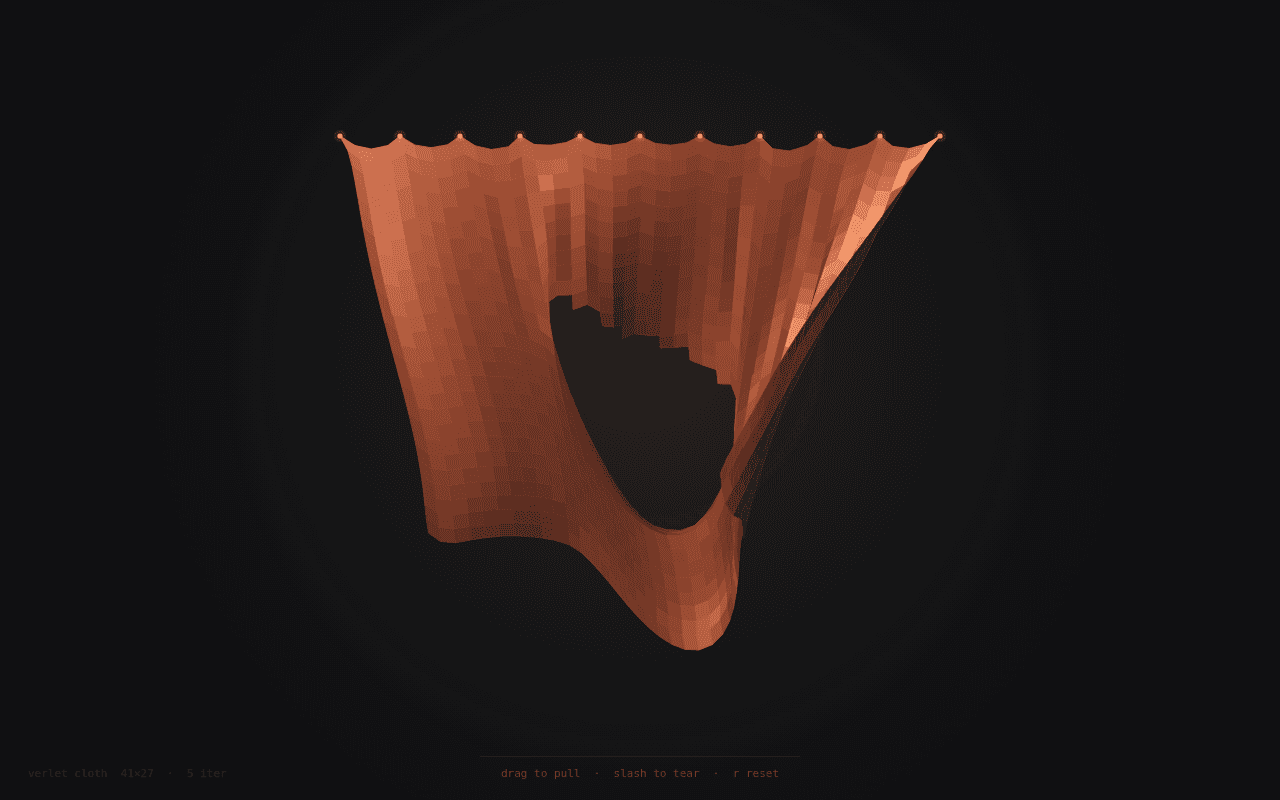
Verlet Cloth Simulator

Verlet Cloth Simulator

in a single html file with plain canvas 2d and no libraries, build a verlet integration cloth mesh. create a grid of points connected by hor…

Grok
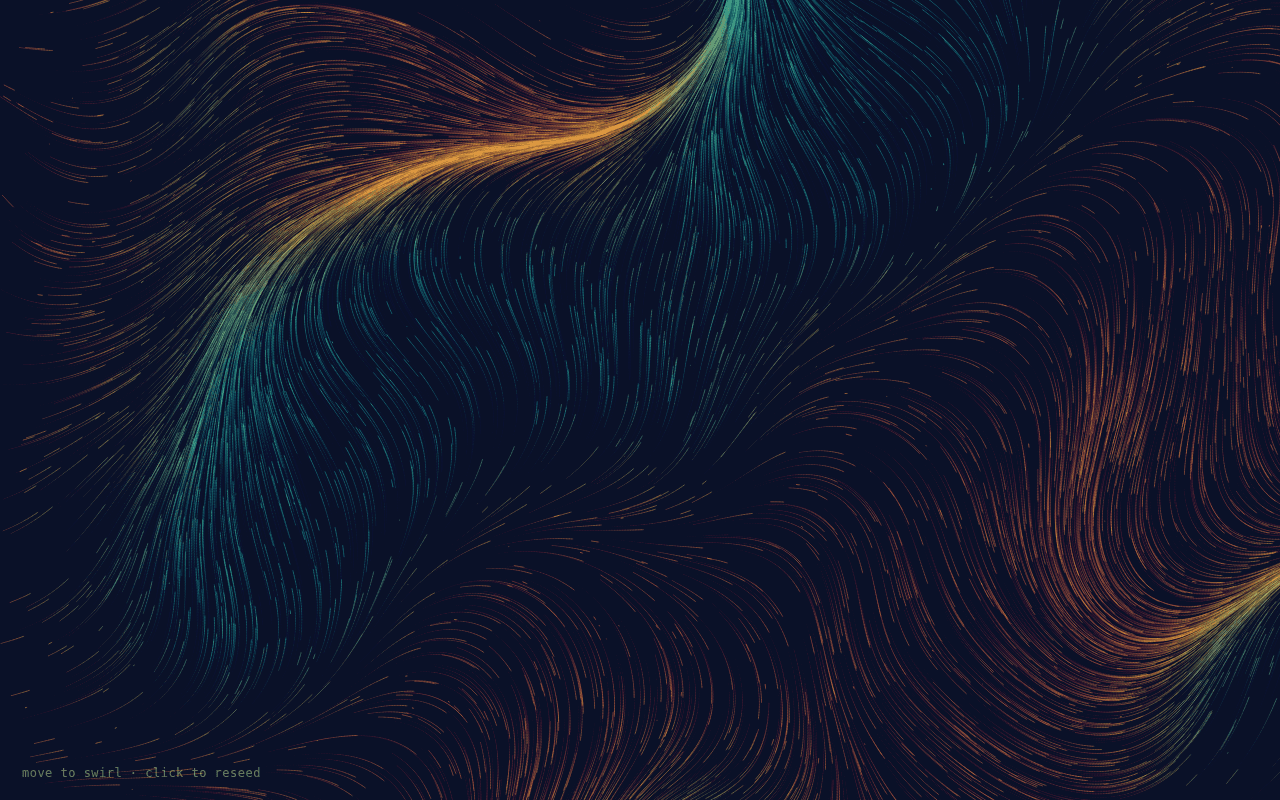
Flow Field Canvas Toy

Flow Field Canvas Toy

in a single html file with plain canvas 2d and no libraries, write a small seeded perlin noise function and use it to draw a flow field as s…

Grok
Koi Pond — Canvas Simulation

Koi Pond — Canvas Simulation

Build a koi pond simulation using an HTML5 canvas. Fish should flock using boids rules (separation, cohesion, alignment) with wander behavio…

ClaudeHTMLCSS
Animated Northern Lights

Animated Northern Lights

Create a night sky canvas. Fill the background with a deep navy-to-black vertical gradient (#020810 at top, #000508 at bottom). Scatter 180 …

ClaudeHTMLCSS
Physics-Based Fireworks

Physics-Based Fireworks

Build a physics-based fireworks system on HTML5 Canvas. Shells launch from the bottom with upward velocity, explode into 60–80 particles wit…

ClaudeHTMLCSS
Animated Envelope

Animated Envelope

Create the HTML structure for an animated envelope component. Use nested divs for the envelope parts: back-fold, letter, top-fold (flap), bo…

CursorHTMLCSS