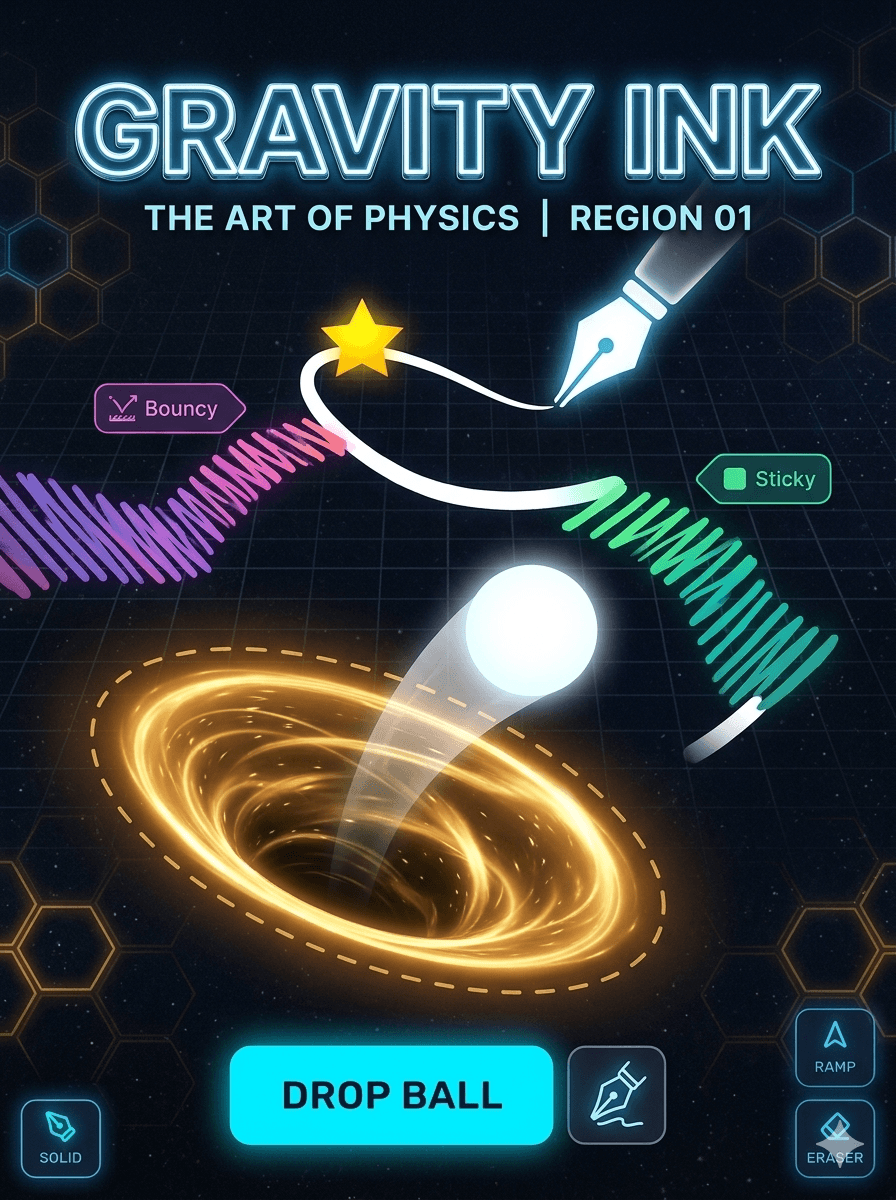
Build a fully playable Gravity Painter game as a single React component (.jsx) using Matter.js for physics.
Tech Stack
React with hooks (
useState,useEffect,useRef,useCallback)Matter.js from CDN:
https://cdnjs.cloudflare.com/ajax/libs/matter-js/0.19.0/matter.min.js— import viauseEffectscript injection or assume it's available aswindow.MatterAll rendering done on a
<canvas>ref — no external CSS files, all styles inline or via a<style>tag injected in the componentSingle file, default export, no required props
Game Phases (managed via useState)
'menu'— title screen with level select and instructions'drawing'— player draws shapes before simulation'simulating'— physics runs, ball drops'result'— level outcome shown (win/lose, stars, ink used)
Drawing Phase
Canvas ref captures mouse/touch events for freehand drawing
Strokes are stored as arrays of points in a
drawnShapesrefA toolbar rendered as React JSX (not on canvas) sits beside or above the canvas with:
Mode buttons — Solid, Ramp, Eraser (active mode stored in state)
Material buttons — Normal, Bouncy, Sticky, Slippery — each with a distinct color
Ink budget bar — a
<div>progress bar depleting as stroke length accumulates"Drop Ball" button — triggers phase transition to
'simulating'"Clear" button — resets
drawnShapesref and redraws canvas
Physics Simulation
On phase change to
'simulating', convertdrawnShapesinto Matter.js static bodies and add to the worldBall spawns at a fixed top-center position as a dynamic
Matter.Bodies.circleUse
Matter.RunnerandMatter.Events.on(engine, 'afterUpdate')inside auseEffectto drive the render loopEach material maps to Matter.js body options:
Normal →
{ restitution: 0.4, friction: 0.5 }Bouncy →
{ restitution: 0.95, friction: 0.1 }Sticky →
{ restitution: 0.1, friction: 0.9 }Slippery →
{ restitution: 0.3, friction: 0 }
Cleanup Matter.js engine and runner in
useEffectreturn function to prevent memory leaks
Level Data
Define 6 levels as a plain JS array of objects outside the component:
js
const LEVELS = [
  { id: 1, name: 'First Drop', parInk: 200, goal: {x: 0.8, y: 0.85}, hazards: [], gravityY: 1 },
  // ...
]
Each level defines: goal position (as fraction of canvas size), hazard positions/types, gravity scale, wind force, par ink value, and collectible star positions
Current level index stored in state, increments on win
Canvas Rendering (useEffect watching phase + engine updates)
Drawing phase: render strokes live as player draws, color-coded by material
Simulation phase: clear and redraw each frame —
Draw all static shape bodies (player drawings)
Draw hazards (red spikes, voids)
Draw collectible stars (pulsing yellow circles)
Draw goal zone (glowing green circle with animated ring)
Draw ball with a fading trail (store last N positions in a ref)
Draw faint grid during drawing phase only
HUD (JSX overlay, not canvas)
Level name and number
Ink budget as an animated
<div>barStar count
⭐ 0 / 3Phase-appropriate action button:
"Drop Ball"during drawing,"Retry"and"Next Level"on result screenResult card rendered as JSX overlay on top of canvas when phase is
'result'
Result Phase
Triggered when: ball reaches goal zone (win) or ball exits canvas bounds (lose)
Show a centered JSX card with: win/lose status, stars collected, ink used vs par, two buttons
On "Retry" — reset Matter.js world, clear drawn shapes, go back to
'drawing'phaseOn "Next Level" — load next level config, reset world and shapes, go to
'drawing'
Polish
Ball trail: store last 20 positions in a ref, draw as fading circles each frame
Goal zone: animated pulsing ring drawn on canvas each frame using a
frameCountrefParticle burst on goal reached: store particles in a ref, update and draw them each frame
Hazard spikes: drawn as triangles on canvas, destroy ball on collision via Matter.js collision events
Smooth 60fps loop driven by
requestAnimationFramestored in a ref and cancelled on cleanupDark background (
#0f0f1a), neon accent palette: ball =#60d0ff, goal =#40ff90, hazard =#ff4060